Registration and Account Creation
How to create an account on SyncFlow
Registration with Email#
You can register to SyncFlow with your email address. To do so, follow these steps:
- Visit the SyncFlow Registration Page.
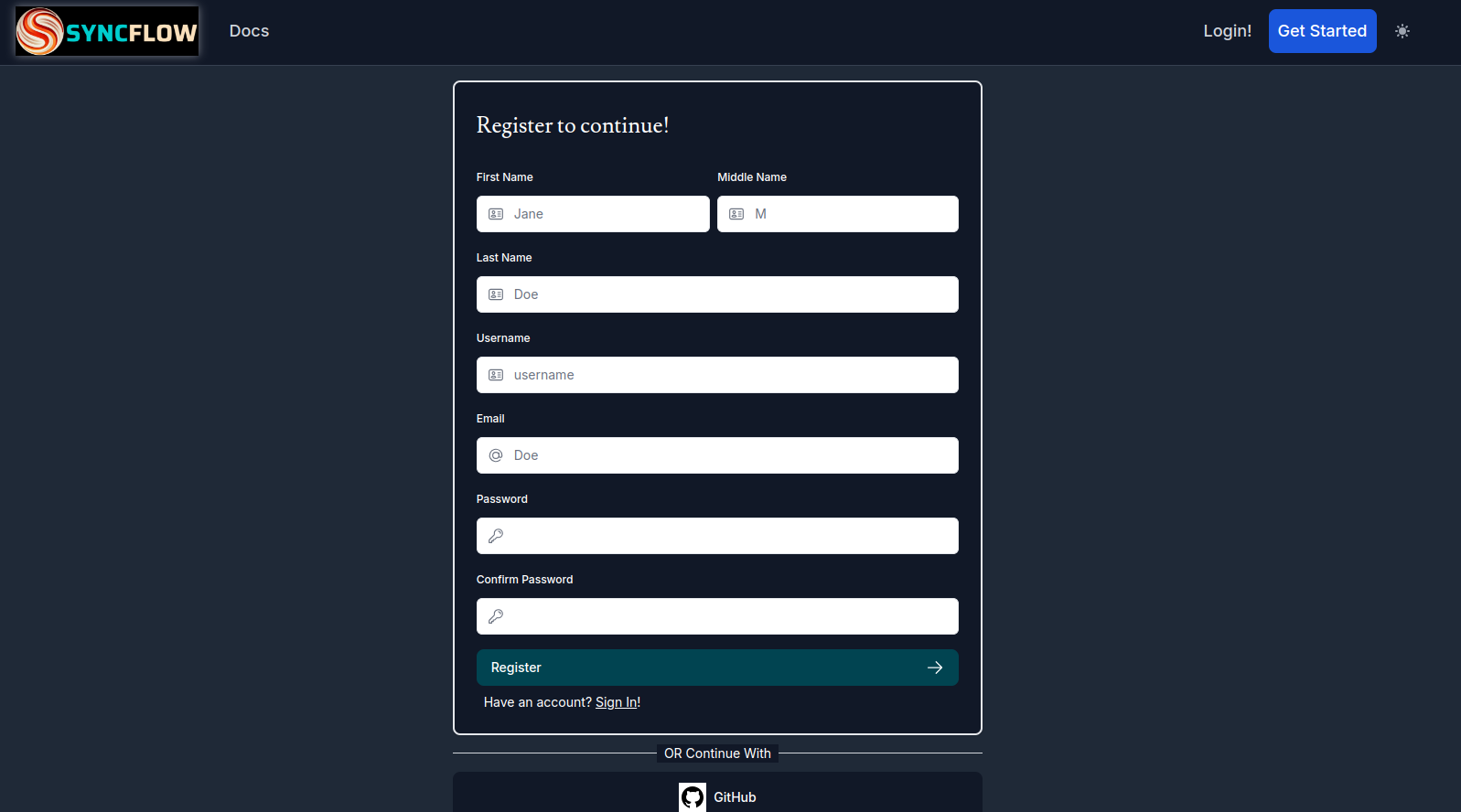
- Fill out the above form, and Click the
Registerbutton.
If the signup is successful, you will be shown the following screen:
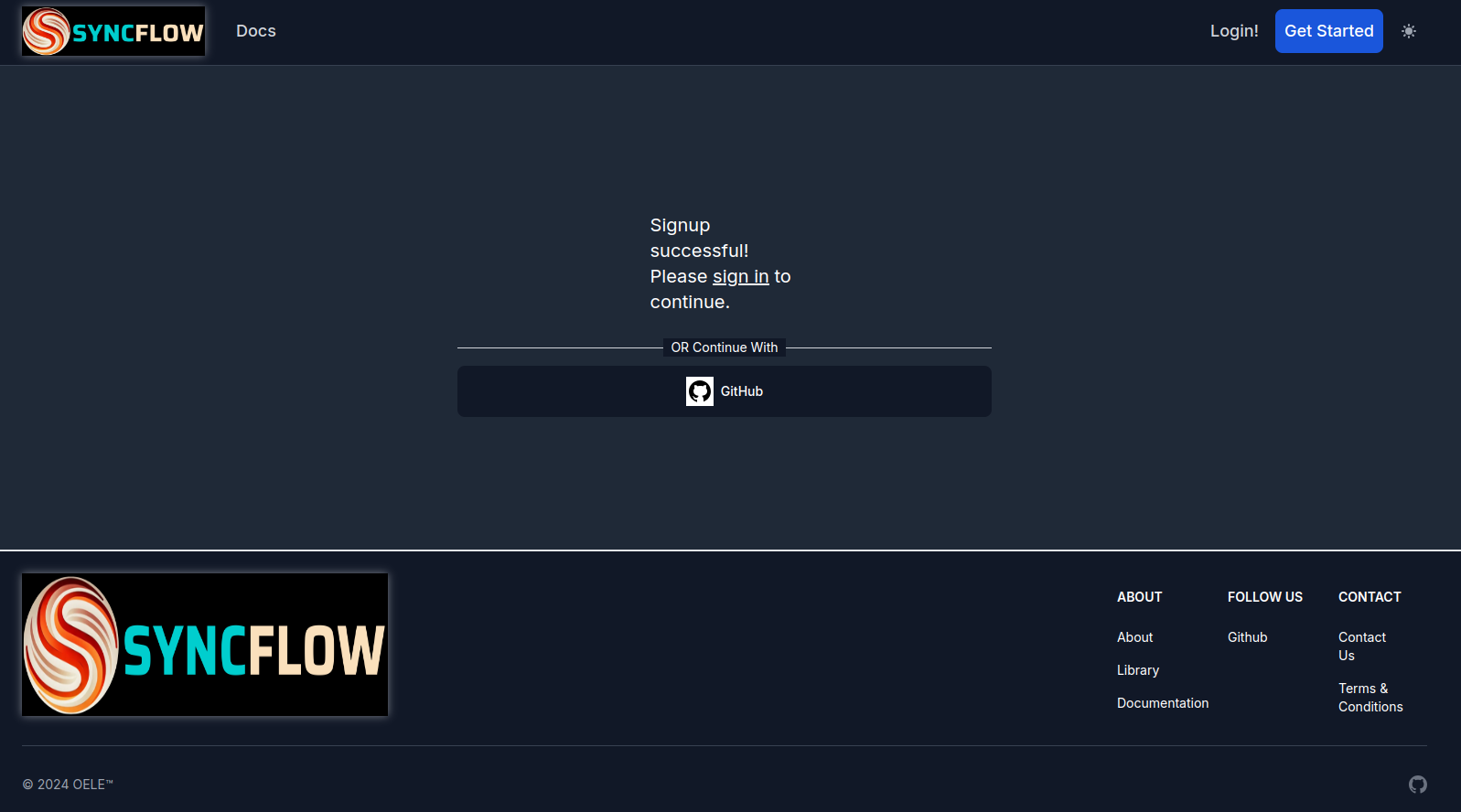
You can now log in to the SyncFlow dashboard using the email and password you provided during registration, using the Login Page.
Registration with GitHub#
You can also register to SyncFlow with your GitHub account. To do so, follow these steps:
-
Visit the SyncFlow Registration Page.
-
Click on the
GitHubicon to sign up with your GitHub account. You will be redirected to GitHub to authorize the application.
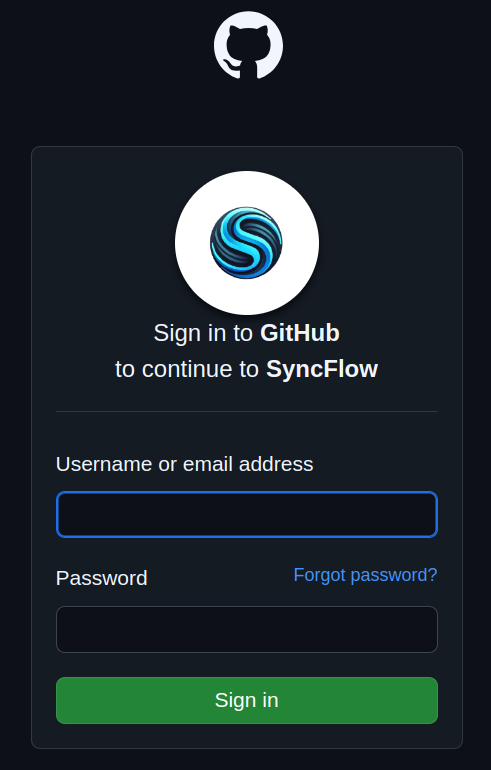
Upon success, you will be redirected back to the SyncFlow dashboard.
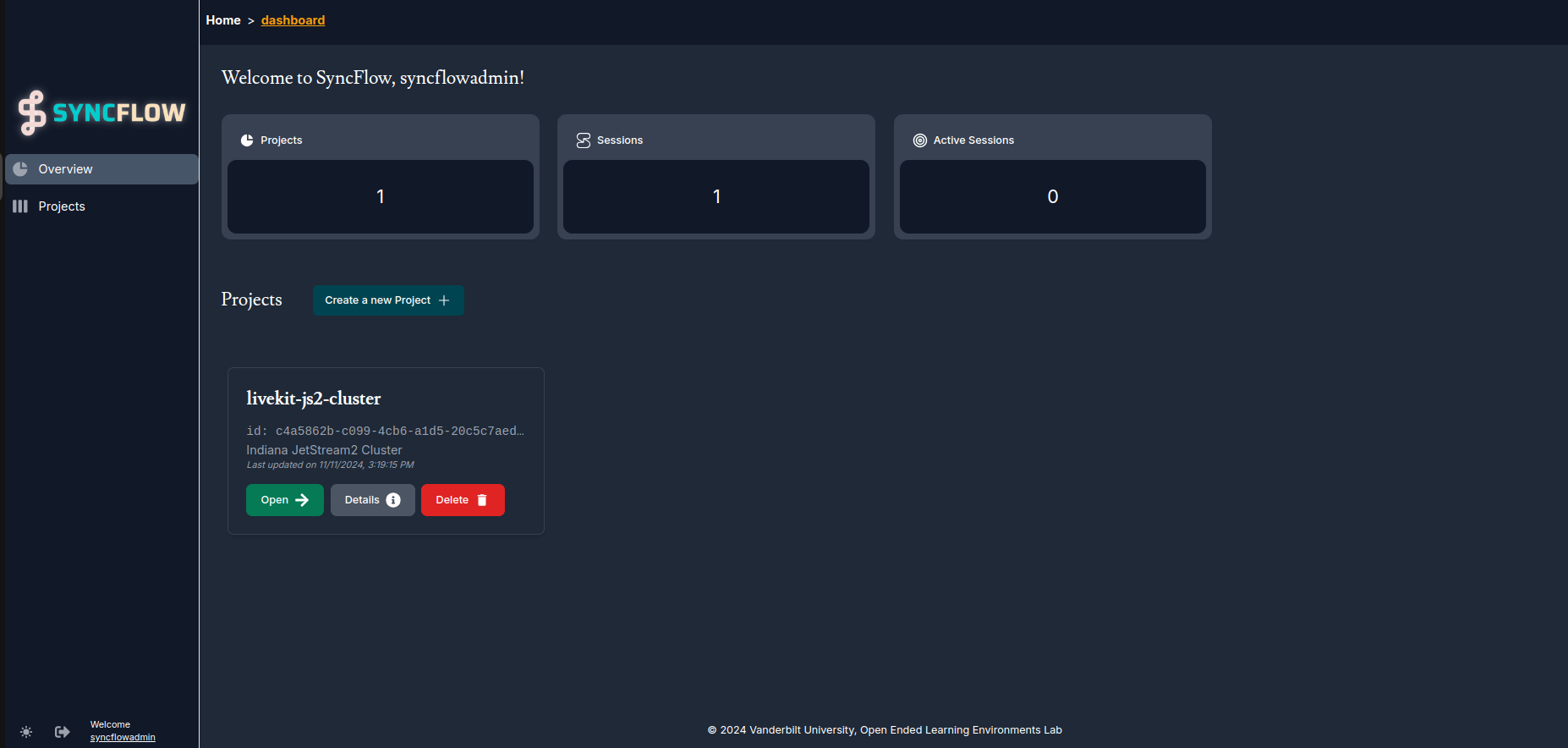
Dashboard Preview#
Once logged in, you will be taken to the SyncFlow dashboard. The dashboard is the main interface for managing your projects, users, and LiveKit sessions. Here is a preview of the dashboard: